Diagrams & math
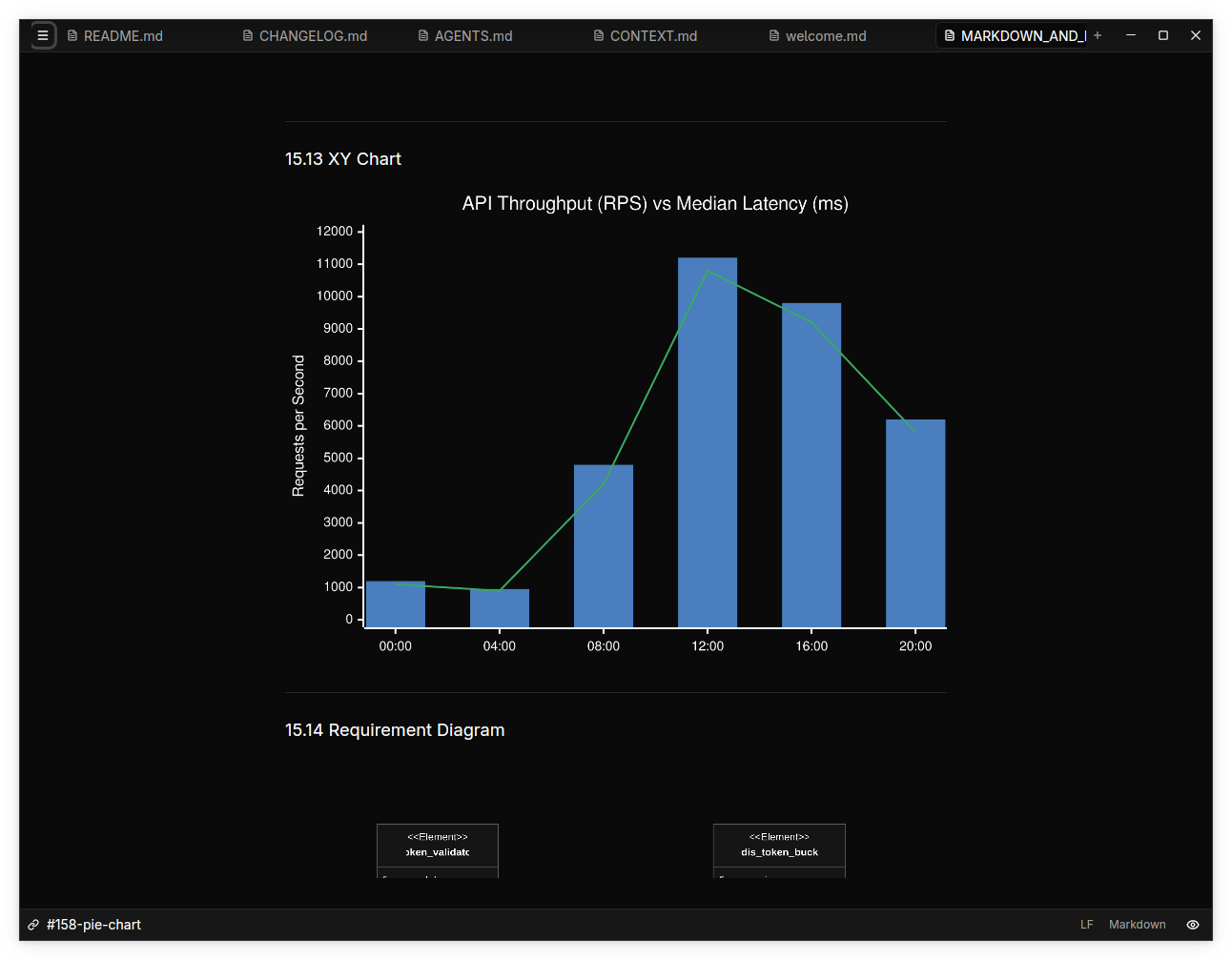
Mermaid diagrams and LaTeX equations render directly as vectors. Click any diagram to zoom in and pan around.
Desktop Markdown
Open notes, docs, and drafts without waiting on a web browser. View your raw text beside formatted output, with native rendering for diagrams, math equations, and code blocks.
Linux · macOS · Windows
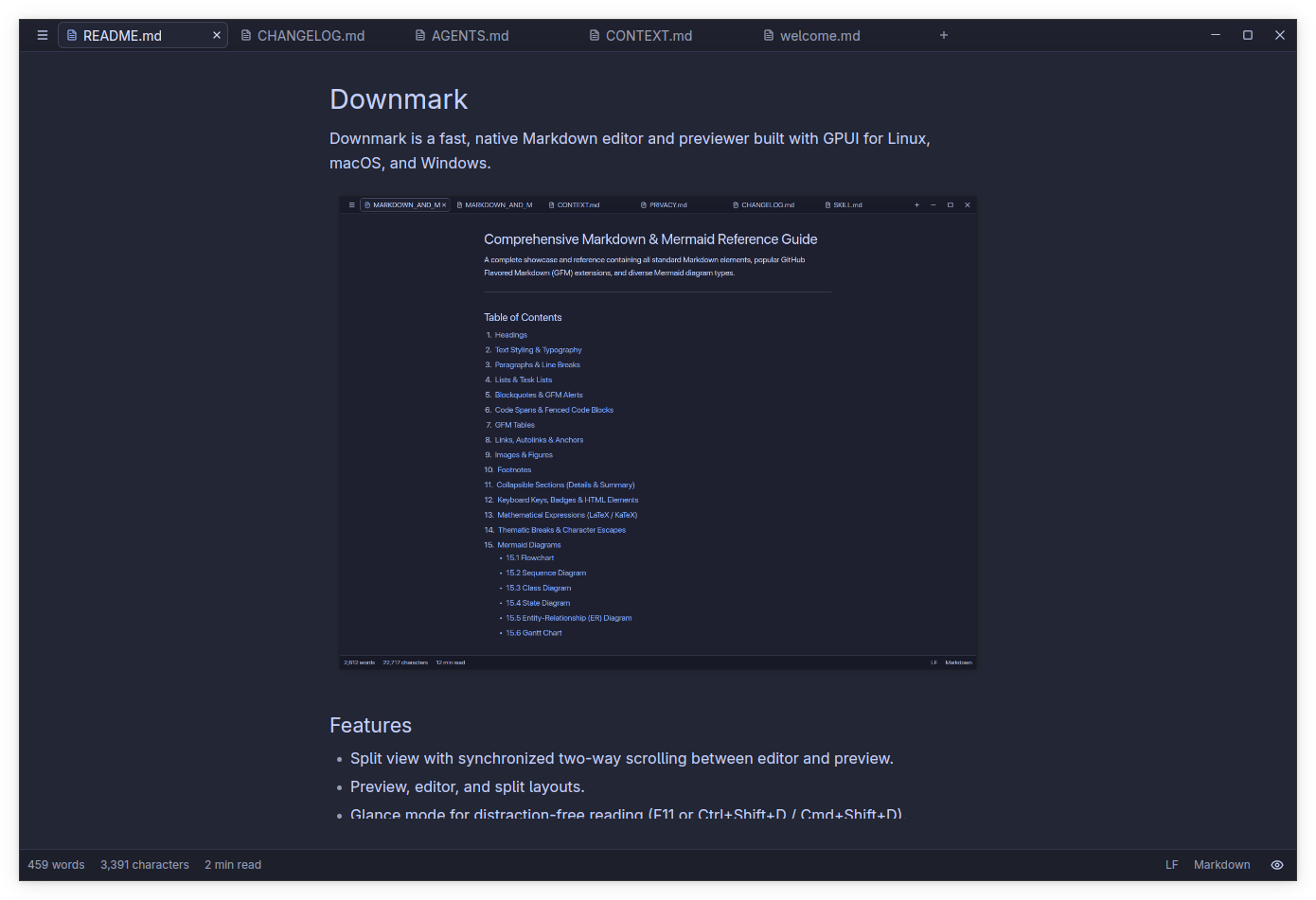
Mermaid diagrams and LaTeX equations render directly as vectors. Click any diagram to zoom in and pan around.
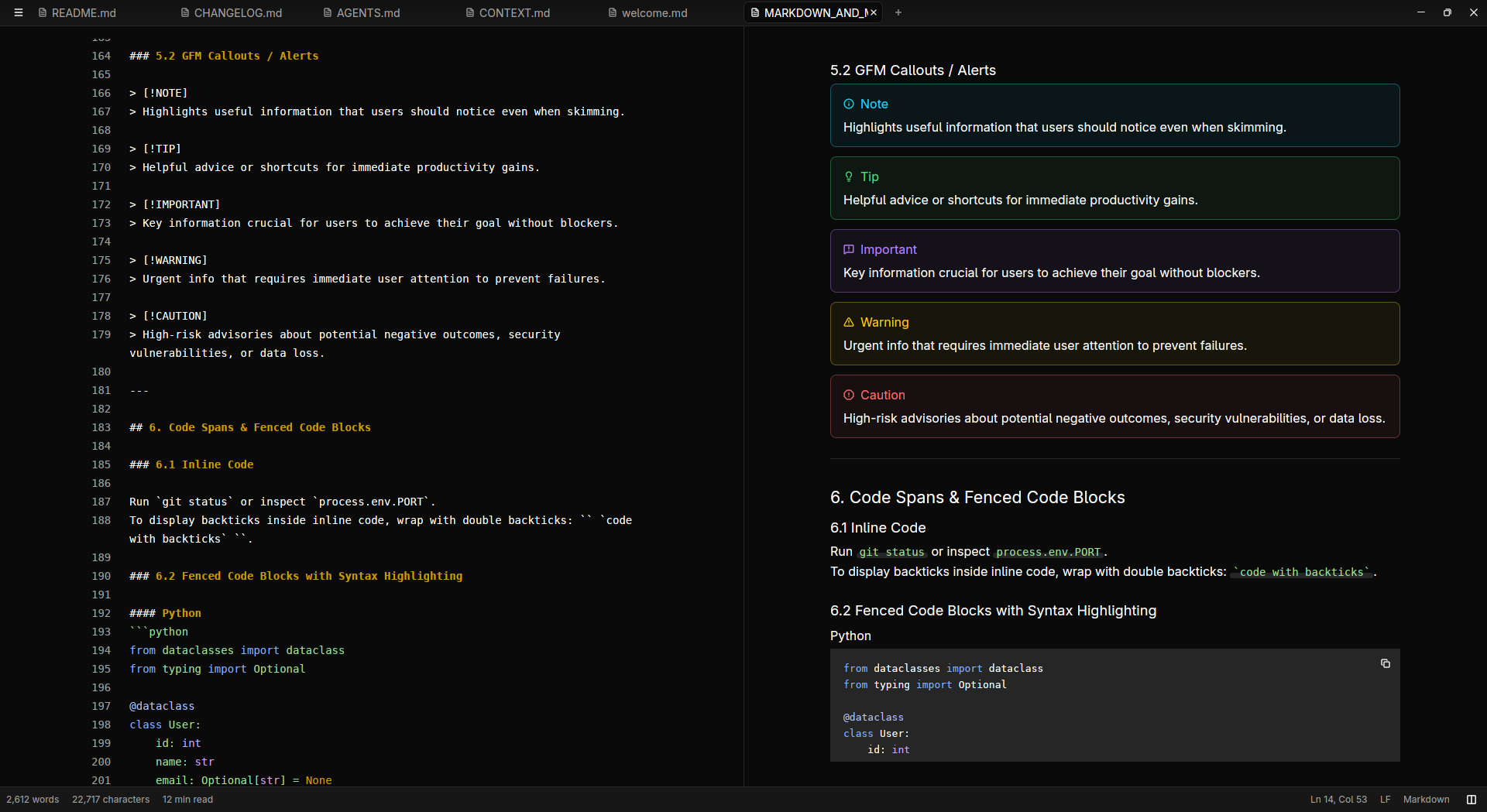
Syntax highlighting for 28 languages with code copy buttons, plus GitHub-style alert callouts and formatted tables.
Two-way scrolling keeps your raw text and formatted output aligned as you move through long files.
Press F11 to hide the window chrome for quiet reading. Automatically matches your system light or dark theme.
Diagrams
Mermaid flowcharts, charts, and timelines render in pure Rust. Click any diagram to open an overlay where you can zoom in, pan around, and inspect fine details.
Alerts & callouts
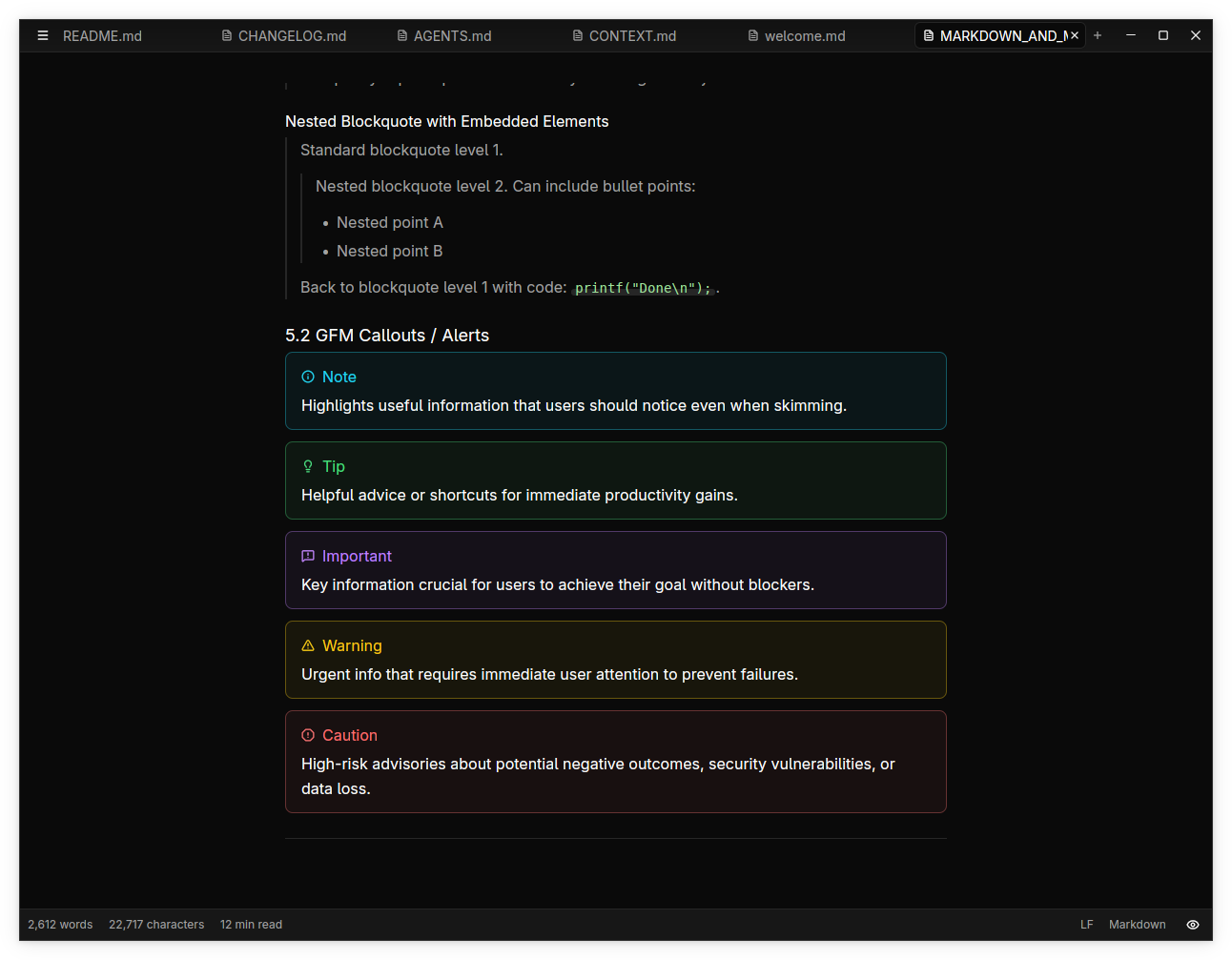
Highlight important information with native GitHub Flavored Markdown alerts. Notes, tips, important notices, warnings, and cautions stand out with clear distinct styling.
Editor & split view
Write raw Markdown on the left with syntax highlighting and line numbers while previewing the rendered output on the right. Synchronized two-way scrolling keeps your cursor and preview aligned as you work.
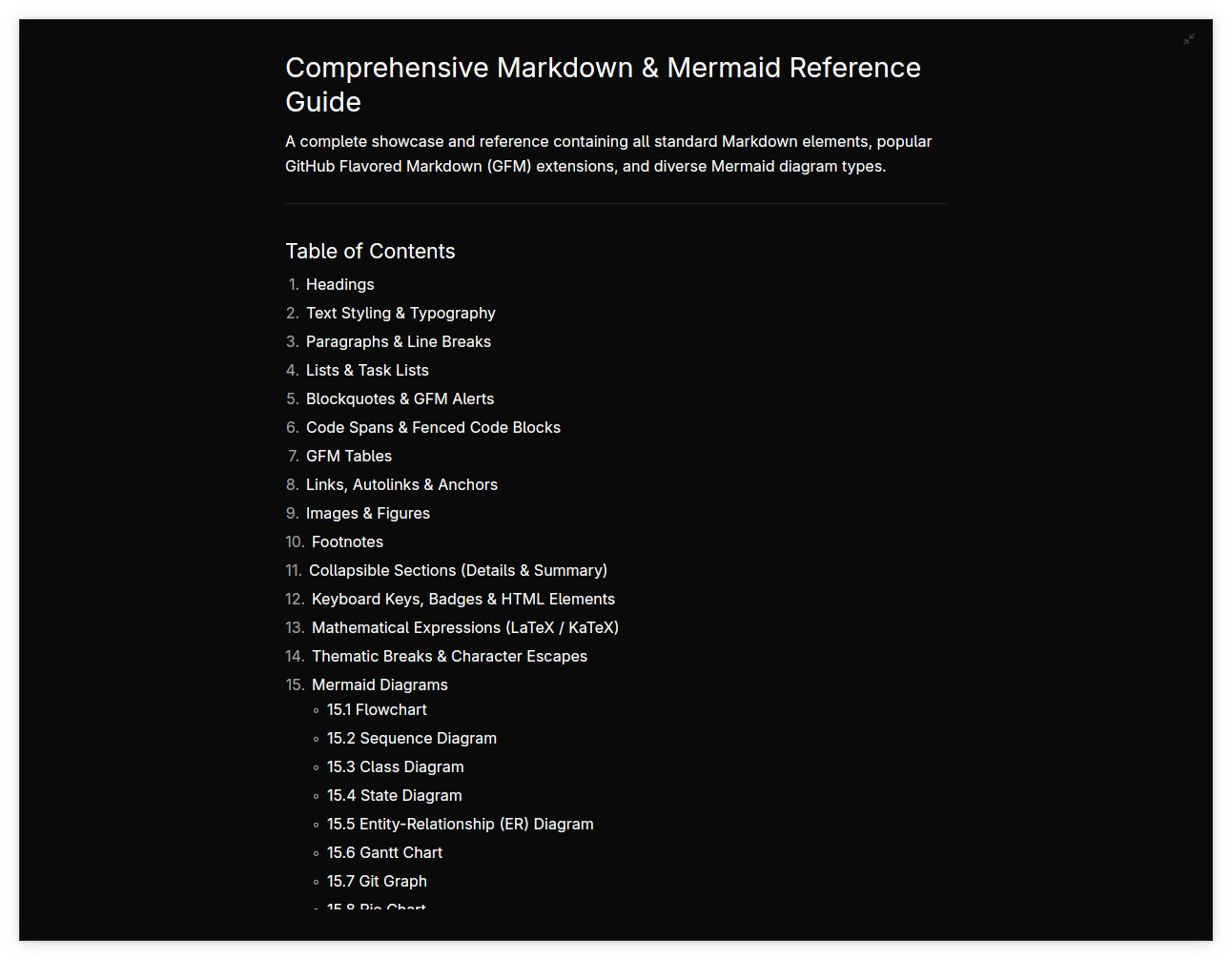
Glance mode
Press F11 to drop the window chrome, tabs, and status bar. Downmark becomes a clean canvas so you can read without UI distractions.
Themes
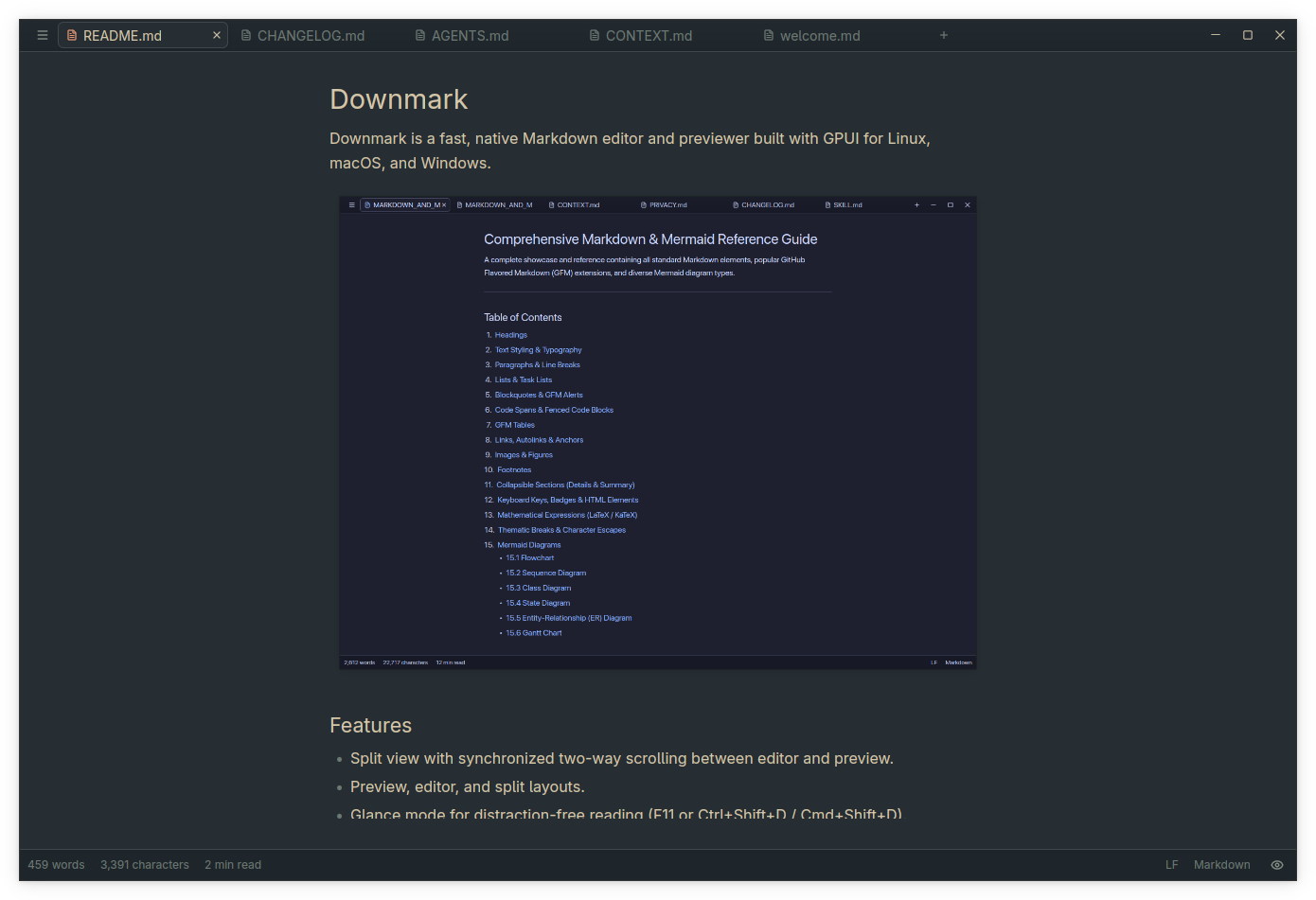
Downmark includes thoughtfully tuned dark and light color themes. Pick the palette that matches your setup, from deep charcoal to high-clarity daylight themes.
Terminal & agents
Pass a file path, a line number, or a heading name directly from your shell or scripts. It is effortless for AI agents and CLI tools to open documents for you without managing complex window handles. If Downmark is already running, it brings the existing window forward and opens a new tab.
downmark notes.md
downmark spec.md:42
downmark plan.md -H "Architecture"Downmark renders through the GPU with GPUI, the UI framework developed for Zed. No Electron, no embedded Chromium, and no background node runtime. It starts instantly and handles large documents without stuttering.
Free and open source for Linux, macOS, and Windows.